
JPEG to PNG Converter
Convert JPEG images to PNG online. Our JPEG to PNG is fast and fully free to use. Just upload your JPEG files, click convert, and download as PNG.
Upload up to 8 images (max total 10MB)
Converted Images
Related Tools
Why Convert JPEG to PNG?
JPEG is one of the most common image formats. It uses compression to reduce file size. This makes it good for photos and web images. However, JPEG compression removes some image data. Quality can drop after editing or saving multiple times.
PNG is a lossless image format. It keeps all image data and does not reduce quality. PNG also supports transparent backgrounds. This makes it perfect for logos, graphics, UI design, and images with text.
You should convert JPEG to PNG when you need better quality and more flexibility. Because PNG is a format that:
- Keeps image quality without compression loss
- Supports transparency for design work
- Works better for editing and re-saving images
- Keeps text and sharp edges clear
- Is ideal for logos, icons, and graphics
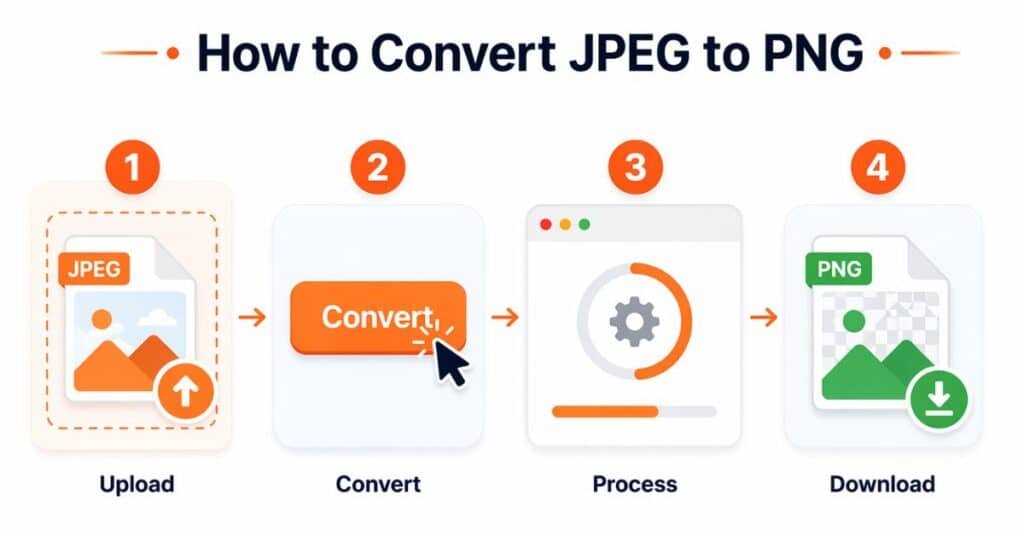
How to Convert JPEG into PNG?
JPEG to PNG Converter by SEOWriter101 is simple to use.
- Upload JPEG images from your device
- Click the Convert button
- Wait a few seconds while the tool processes your files
- Download each PNG image or download all files together
You can also drag and drop images or paste them directly into the tool.
Features of JPEG to PNG Tool
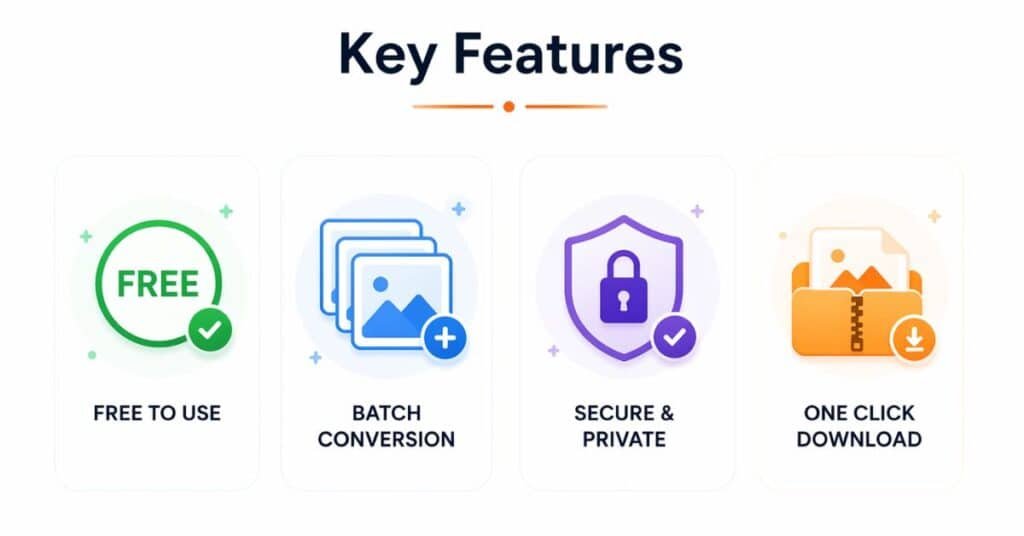
- 100 percent free to use
- No signup or login required
- Batch conversion support
- Download all images in one ZIP file
- Simple and clean interface
- Drag and drop upload support
- Paste images directly from the clipboard
Why Use This Converter?
This tool focuses on speed, privacy, and simplicity.
- Converts images instantly in your browser
- Does not upload your files to any server
- Supports multiple images at once
- Works on both mobile and desktop devices
- Gives you clean, high-quality PNG output
Who is This Tool For?
Anyone can use this tool easily.
- Designers who need transparent images
- Students working on projects
- Bloggers and content creators
- Developers working on UI elements
- Anyone who wants better image quality
Got Questions? We have the Answers
Is this JPEG to PNG converter free?
Yes, you can use this tool for free without any limits.
Can I convert multiple images at once?
Yes, you can upload and convert multiple images in one go.
Does converting JPEG to PNG improve quality?
PNG keeps the current quality. It does not restore lost data from JPEG, but it prevents further quality loss.
Does this tool work on mobile devices?
Yes, it works on both mobile and desktop browsers.