
JPG to PNG Converter
Use this free JPG to PNG Converter to convert JPG into PNG. Upload your images, click convert, and download your PNG files instantly.
Upload up to 8 JPG images (max total 10MB)
Click, drag & drop, or paste images
Converted Images
Related Tools
Why Convert JPG to PNG?
JPG uses compression. It reduces file size but also lowers image quality. On the other hand, PNG keeps image quality high and supports transparent backgrounds.
So, when you convert JPG to PNG, you get:
- Better image clarity
- No quality loss during editing
- Support for transparency
- Clean edges for graphics and logos
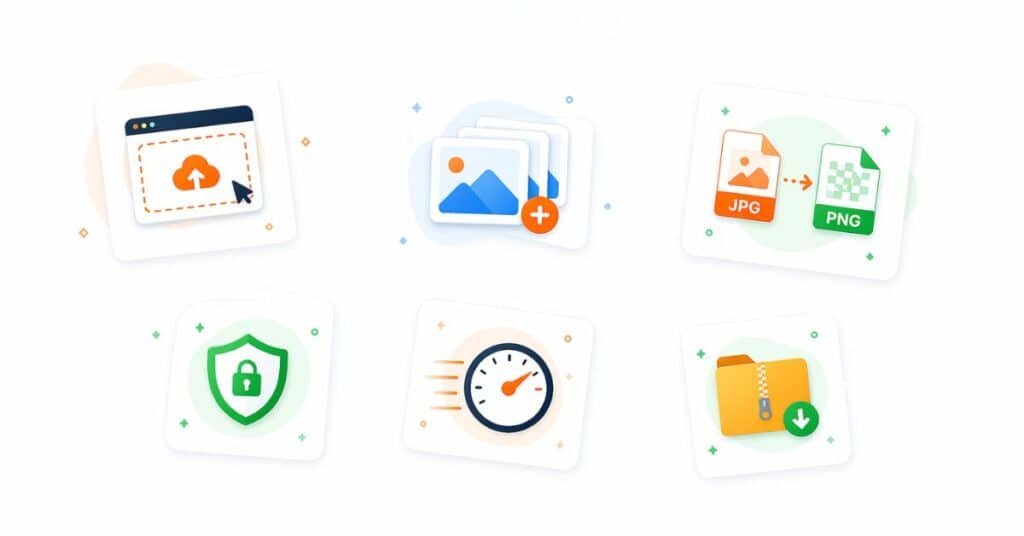
JPG to PNG Tool – Key Features
- 100% Free to Use: You can use this tool without paying anything. There are no hidden charges.
- Batch Conversion: Upload multiple JPG images at once. This saves time and effort.
- Secure Processing: The tool does not store your images after conversion.
- One Click Download: You can download each PNG file separately. You can also download all files in a single ZIP.
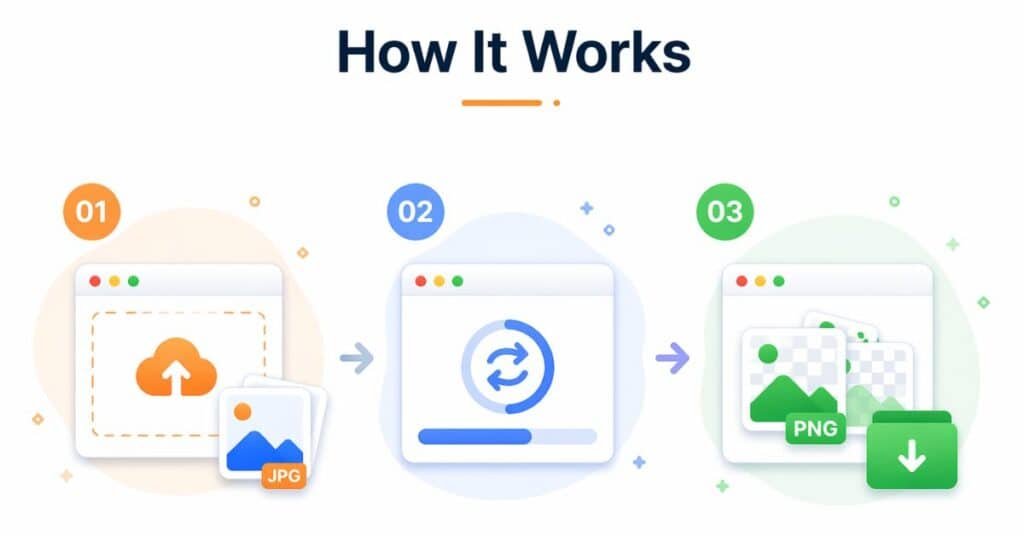
How to Convert JPG to PNG?
Follow these steps for converting JPG into PNG
- Upload your JPG images
- You can drag and drop files or click to upload
- Click the convert button
- The tool will process your images instantly
- Download your PNG files
You can download files one by one or all at once
JPG vs PNG – The Difference
| Feature | JPG | PNG |
|---|---|---|
| Quality | Lossy | Lossless |
| Transparency | Not supported | Supported |
| File Size | Smaller | Larger |
| Best Use | Photos | Graphics & logos |
Start Converting Now
You can convert your JPG images to PNG right now. The process is quick, simple, and free. Upload your images and get high-quality PNG files in seconds.