
How to Tell if Someone Blocked You on Instagram?
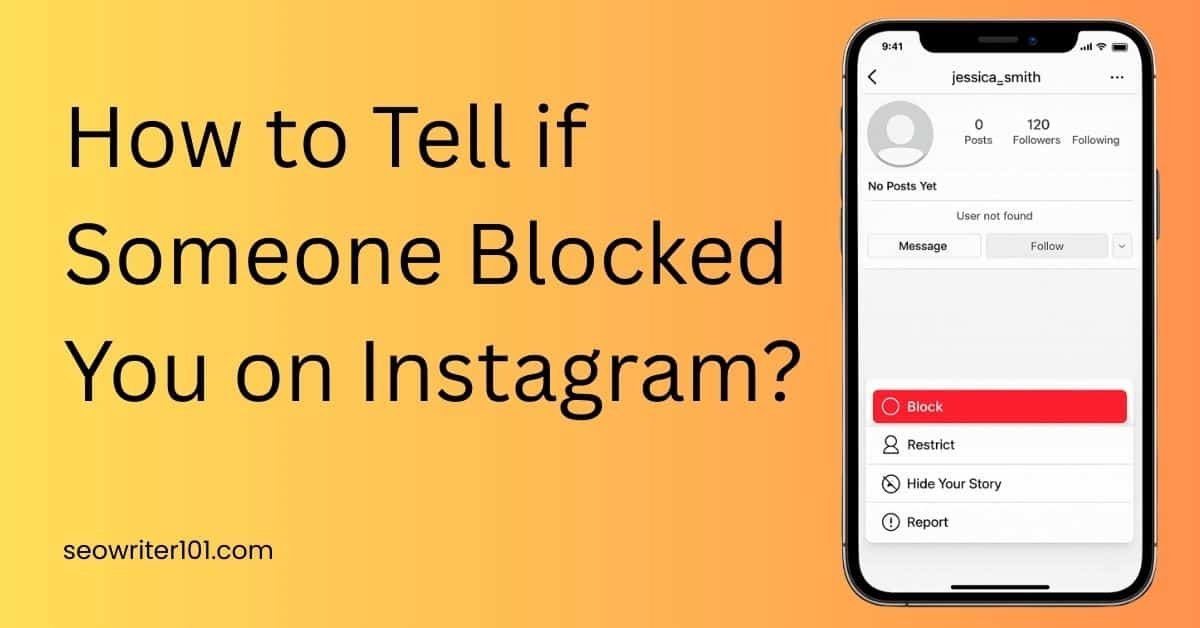
Learn how to tell if someone blocked you on Instagram. Check simple signs like profile search, messages, and ‘user not found’ errors.
Many people use Instagram every day. You follow friends, watch stories, and send messages. But sometimes you may notice something strange. A person you used to see on Instagram suddenly disappears.
You search for their profile. However, you cannot find it. Then you start to wonder if the person blocked you.
Instagram does not send a message when someone blocks you. Because of this, many users feel confused. The good news is that you can look for some simple signs.
How to Check if Someone Blocked You On Instagram?
Below are some easy ways to check if someone blocked you on Instagram.
1. Search for Their Username
First, open Instagram and go to the search bar. Now type the person’s username.
If the profile does not appear, it may mean they blocked you. However, this is not always the reason.
Sometimes users delete Instagram account on their own. In other cases, Instagram sometimes delete inactive accounts that stay unused for a long time. Also, the person may change their username.
So this step gives you a clue, but it does not confirm a block.
2. Check Your Old Messages
Next, open your Direct Messages. Know that blocking someone on Instagram does not delete messages.
If you talked to this person before, you should still see the old chat. Open that conversation and tap on their profile name. Now look at the profile page. You may notice these signs:
- Their profile picture may disappear
- You may see 0 posts
- The follow button may not work
These signs often show when someone blocks you.
3. Try to Open Their Profile Link
Another easy method is to open their profile link in a browser. Type the format below in your browser:
instagram.com/username
If the page shows User not found, there are a few possible reasons.
- The person blocked you
- They changed their username
- They decided to delete Instagram account
If you want to understand this situation better, you can also check out how to tell if someone delete their instagram account. This helps you know the difference.
4. Check the Profile From Another Account
This is one of the best ways to confirm a block. First, use another Instagram account. You can also ask a friend to search for the same profile.
Now ask them to search for the username. If they can see the profile, but you cannot see it, the person most likely blocked you. This method works because blocking only hides the account from you.
Other users can still see it normally.
5. Look for the “User Not Found” Message
Sometimes, Instagram shows a message that says User not found. This message can mean different things. For example:
- The person blocked you
- They changed their username
- They delete Instagram account
Because of this, you should check other signs before making a final conclusion.
Can You Still See Their Likes or Comments?
Another small clue appears in old posts. If the person liked or commented on your posts before, you may notice that these interactions disappear.
In some cases, their name may still appear, but the profile will not open when you tap it. This all can happen when someone blocks you.
Final Thoughts
Instagram does not clearly tell you when someone blocks you. Because of this, you need to look for different signs.
For example, you may not find their profile in search. Their account may show User not found. Also, their profile may appear empty in old messages.
Still, remember that other reasons may exist. A person may delete their Instagram account, change their username, or stop using the platform.
