
How to Change Your Name on Facebook Profile and Page
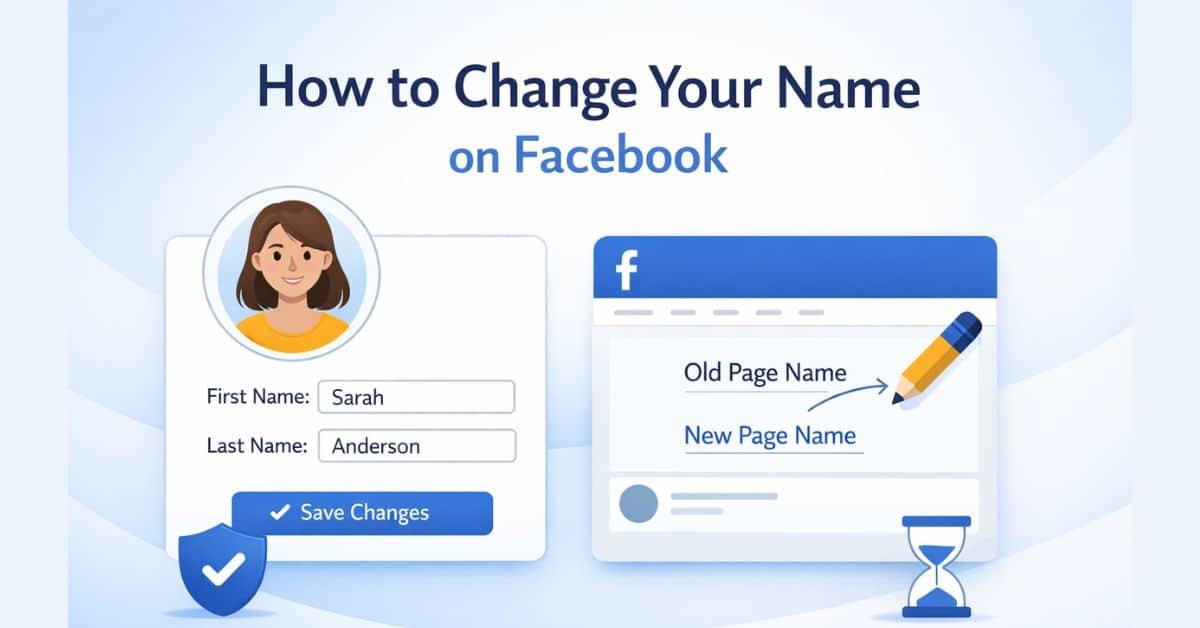
In this blog post, you will learn step by step how to change your name on Facebook profile and page.
Quick Answer:
To change your name on Facebook, go to Settings → Accounts Center → Profiles → Name. Enter your new name, review, and confirm request.
People change their names on Facebook for many reasons. Some want to fix a spelling mistake. Others update their name after marriage. Many people also change their page name for better branding.
The good news is that the process is simple. However, you must follow Facebook rules. If you ignore them, your request may get rejected.
Facebook Name Change Rules You Must Know
Before you start, you should understand a few important rules.
- You can change your profile name only once every 60 days
- You must use your real name
- Do not use symbols, numbers, or random words
- Facebook reviews page name changes before approval
- Facebook may reject names that look misleading or spammy
So first, follow these rules. Then move to the steps below.
How to Change Your Name on Facebook Profile?
Changing your name on Facebook is quite simple. However, the steps are a little different for desktop and mobile users.
Steps for Mobile Users
Follow these steps carefully:
- Open the Facebook app
- Tap the menu icon (three lines)
- Go to Settings & Privacy
- Tap Settings
- Open Accounts Center
- Tap Profiles
- Select your profile
- Tap Name
- Enter your new name
- Tap Review change and confirm
Steps for Desktop Users
Now let’s do the same on a computer.
- Open Facebook in your browser
- Click your profile picture
- Go to Settings & Privacy → Settings
- Open Accounts Center
- Click Profiles
- Select your account
- Click Name
- Enter your new name
- Click Review change and confirm
Relevant: How to delete your Facebook profile?
How to Change Your Name on Facebook Page?
Steps for changing the name of a Facebook page are different from changing the name on a personal profile.
Steps on Mobile
If you manage a page, follow these steps:
- Open Facebook
- Go to your Page
- Tap the Settings (gear icon)
- Tap Page Settings
- Select Name
- Enter your new page name
- Tap Review change and submit
Steps on Desktop
Here is the desktop method:
- Open your Facebook Page
- Click Settings
- Go to Page Setup
- Click Name
- Enter the new name
- Click Review change and submit
Relevant: How to delete your Facebook page?
Why Facebook May Reject Your Name Change?
Sometimes Facebook does not accept your request. This usually happens for clear reasons.
- The name looks fake or misleading
- You changed your name too recently
- The name breaks Facebook rules
- You completely changed your page topic or brand
So always keep your name simple and relevant.
Tips to Get Your Name Change Approved
You can increase your chances of approval by following these tips.
- Use a real and natural name
- Keep your name clear and easy to understand
- Match your name with your identity or brand
- Avoid adding extra keywords just for SEO
- Follow all Facebook guidelines
How Long Does Facebook Take to Approve Name Changes?
- Profile name change: usually instant or within minutes
- Page name change: may take a few hours to a few days
So be patient, especially for page requests.
Conclusion
Changing your name on Facebook is important when your identity or brand changes. The process is simple. However, you must follow the correct steps and rules.
If you follow the steps shared above, you can easily update your profile or page name without any issues.
Frequently Asked Questions
How many times can I change my Facebook name?
You can change your profile name once every 60 days.
Can I use a nickname on Facebook?
Yes, but it should be close to your real name. Facebook may reject unusual names.
Why can’t I change my Facebook name?
This usually happens because you changed it recently or your new name breaks Facebook rules.
How to fix incorrect name on Facebook?
Go to Accounts Center, edit your name, and submit the correct version. Facebook may ask for ID.
Does changing page name affect followers?
No, your followers stay the same. However, a big name change may confuse your audience.
